Plan your Instagram feed before you post
Lay out your next photos in a three-column grid, adjust crops and filters, and compare versions of the top of your feed side by side.
The demo needs no account and saves nothing. New here? Create an account.
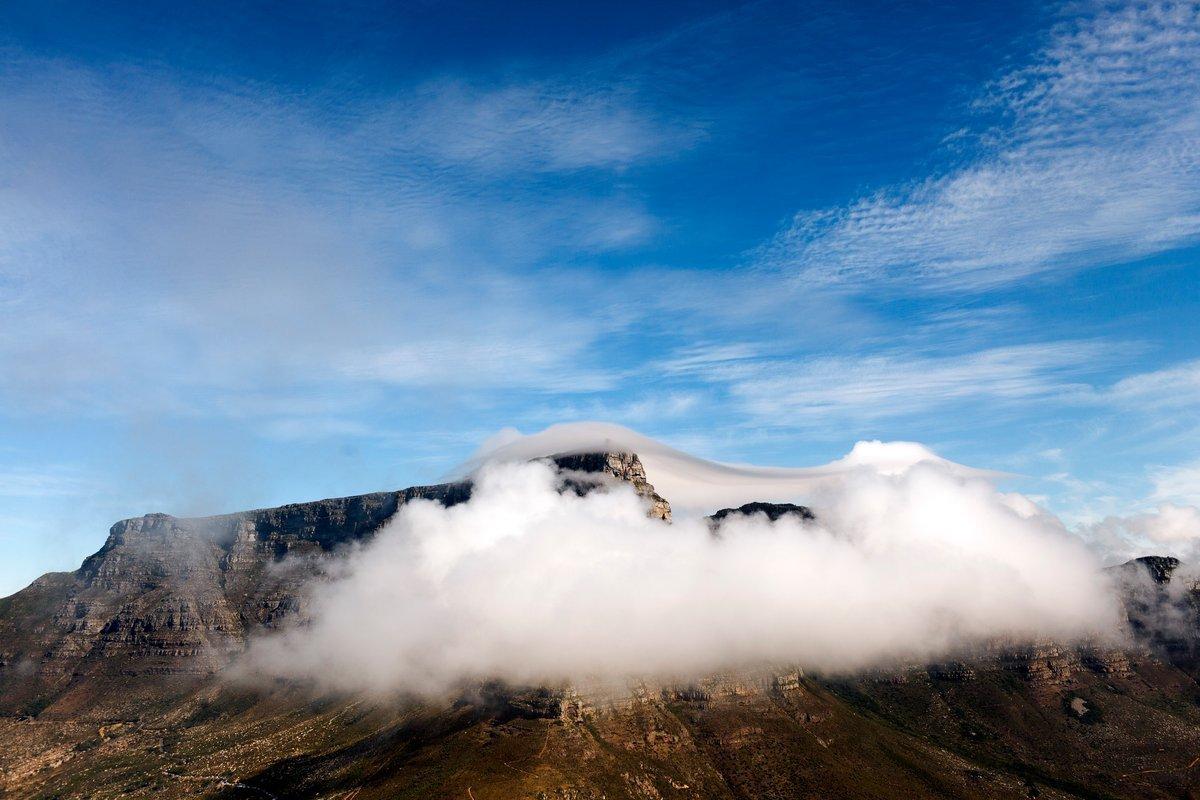
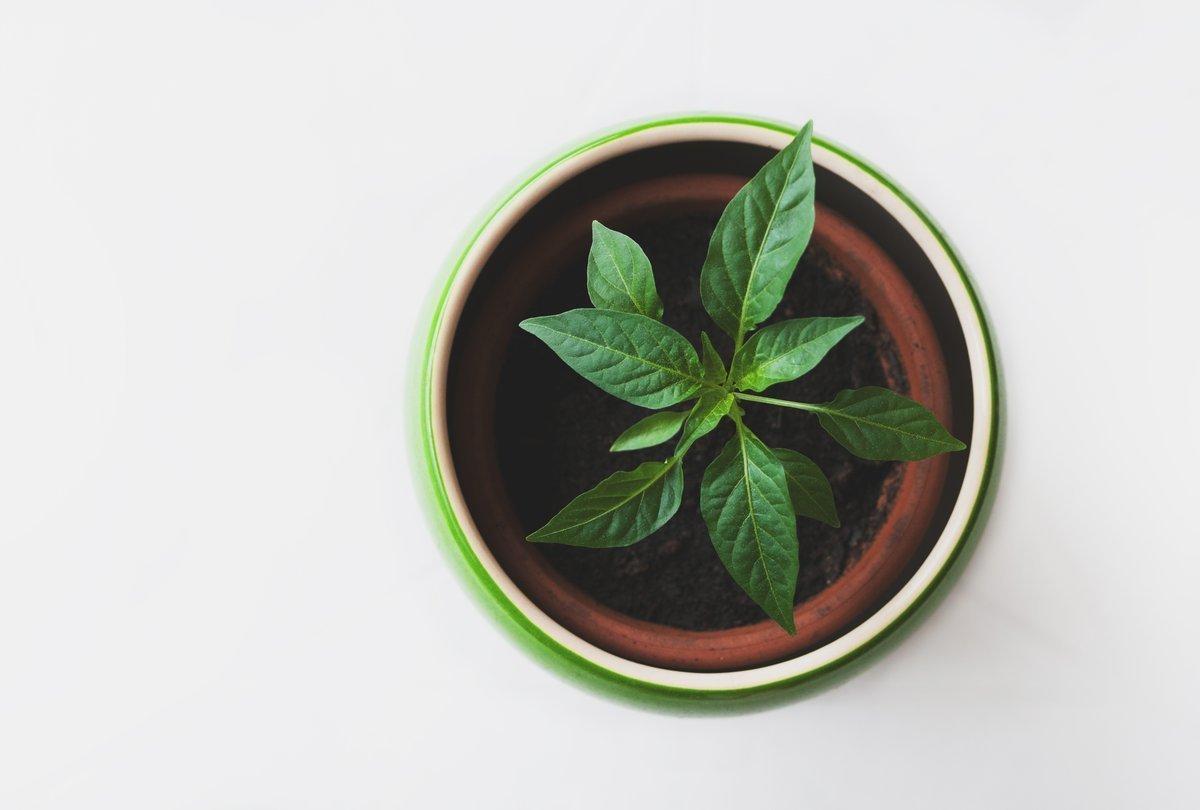


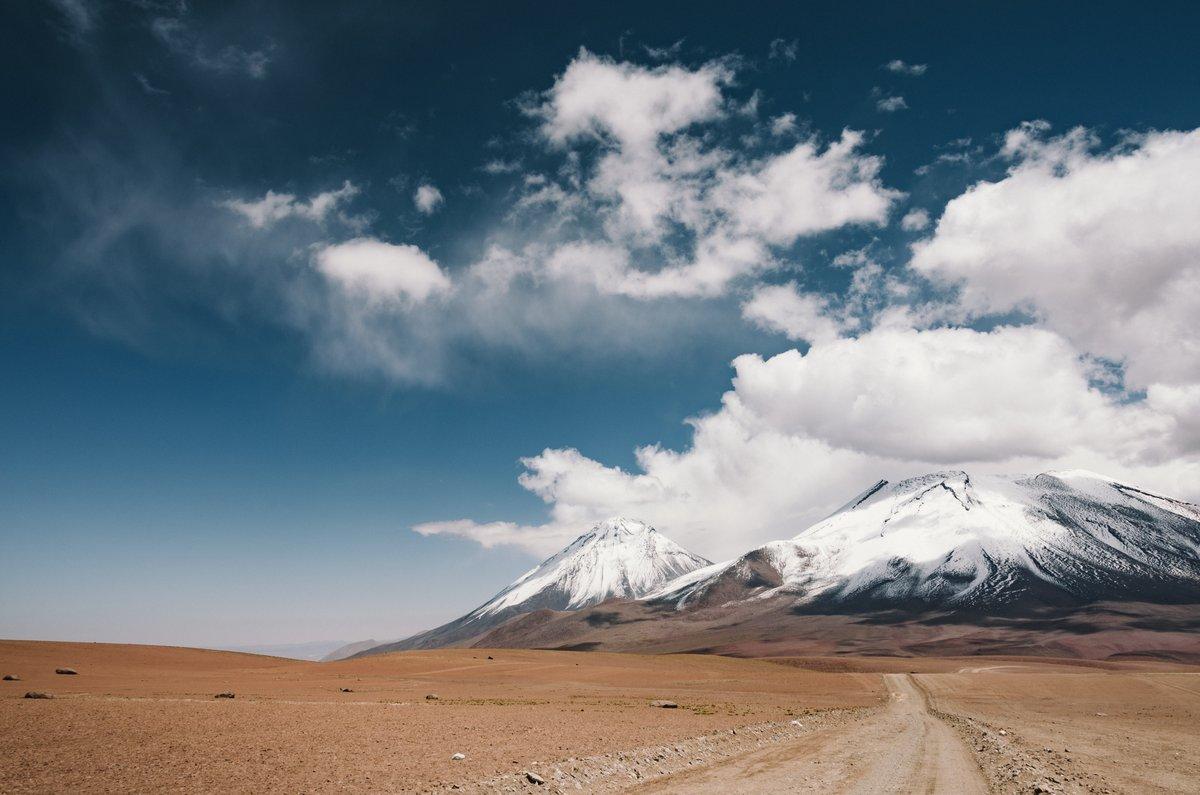


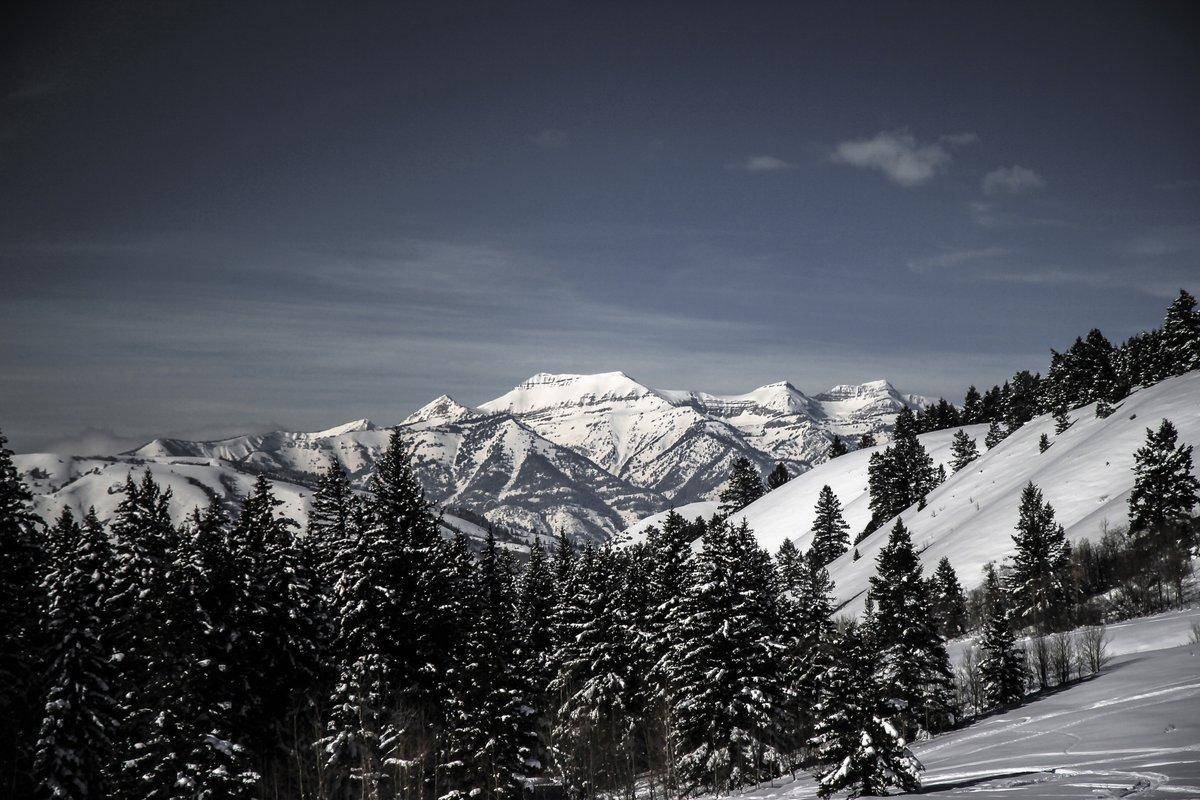
Arrange the grid
Upload your photos and drag them into place. The planner shows the feed in three columns, the way your profile does.
Crop and adjust
Set the crop and filters per tile and see how neighbouring photos work together before anything is posted.
Compare versions
Branch the top rows into versions A and B, try different orders, then keep the one you like.